
Loading...
Loading...
Taimoor • 30 Oct 2026
A practical step-by-step guide from the first design decision to a print-ready file, how to design a business card that standout
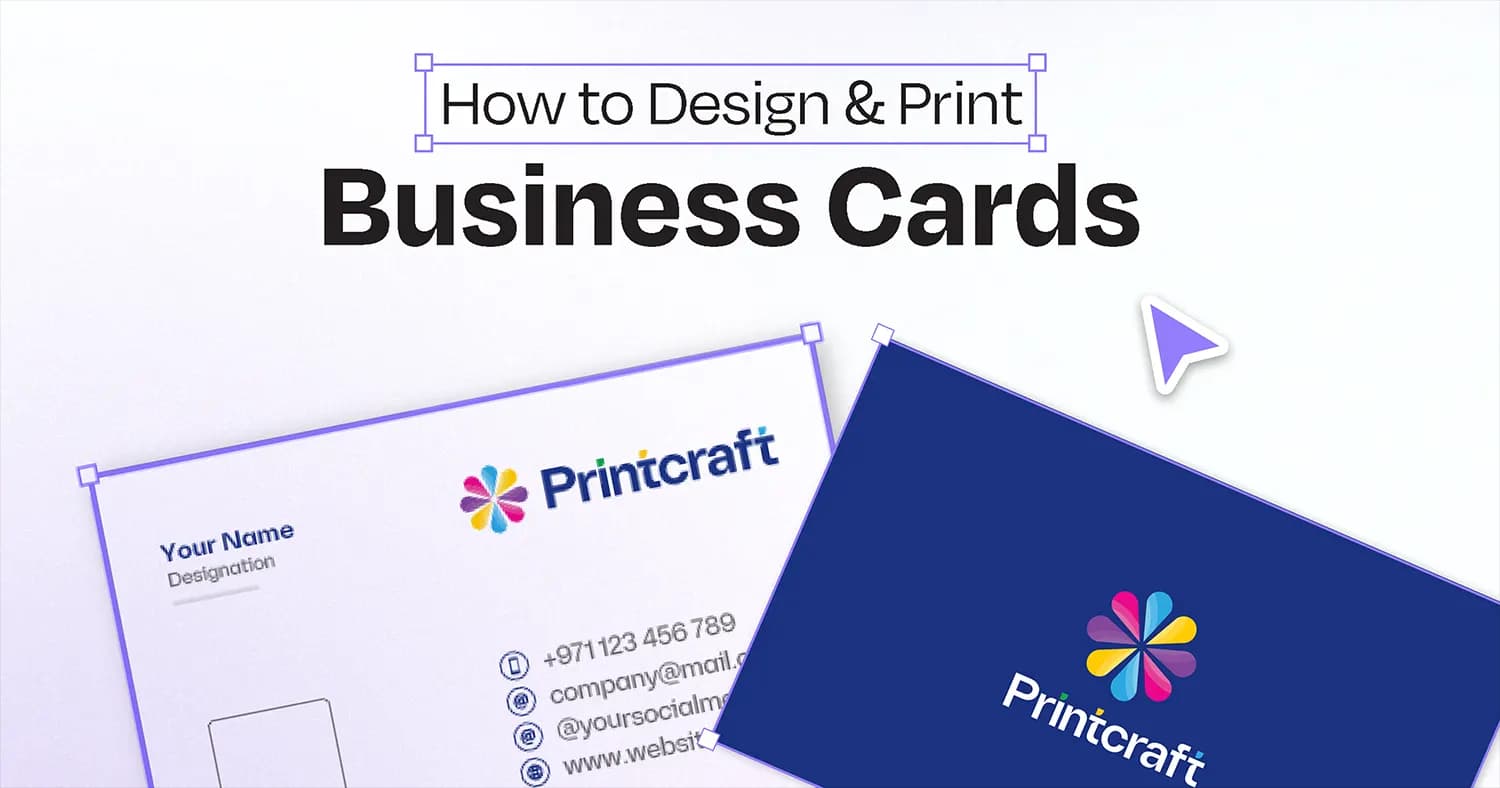
A business card may be small, but designing one well is not simply a matter of placing a logo, name, phone number, and email address on a rectangle. A good business card is a compact piece of brand communication. It needs to represent the business, make information easy to find, feel appropriate for the audience, and work when it is printed and handled in the real world.
The easiest way to achieve better results is to follow the right order. Instead of opening a design program and immediately moving elements around, make the important decisions first, prepare the content, explore a few strong design directions, and then develop the final artwork.
In this guide, we will walk through the process, from deciding what the card needs to communicate to preparing a clean, print-ready file for production.
Before working on fonts, colours, graphics, or finishing, establish the purpose of the card and the practical requirements it must meet. These decisions provide a clear foundation for the design.
Before choosing fonts, colours, or graphics, understand what the card is supposed to achieve. Is it mainly a contact tool? Is it being used to introduce a business owner or sales representative? Does it need to communicate a premium brand image? Will it be handed out at meetings, exhibitions, retail counters, or networking events?
Ask yourself:
This matters because the design should serve its purpose. A business card for a law firm may need a restrained and structured presentation. A creative studio may have more freedom to experiment with typography and composition. A restaurant or hospitality brand may benefit from a stronger visual identity.
The goal is not to make the card look impressive for its own sake. It is to make the design appropriate for the business and the person receiving it.
Write down the card's main purpose in one sentence before you start designing. Use that sentence to guide your later decisions.
Choose the software based on the type of design you are creating and the level of control you need.
Vector-based tools are generally well suited to logos, typography, shapes, and print artwork because they allow elements to be resized without becoming pixelated. Raster-based tools can be useful when photography or image editing is central to the design. Online design platforms can also be practical for beginners and teams that need quick collaboration.
The important point is not which software is considered the best. It is whether the tool provides sufficient control over dimensions, typography, alignment, images, bleed, and export settings.
If you are working with a professional printer, check its preferred file format and artwork specifications before preparing the final file.
Choose the physical size before developing the layout. A design created at one size may need substantial adjustments if the dimensions change later.
A widely used business card size is approximately 90 × 55 mm, although dimensions can vary by market and printer. Other markets commonly use sizes close to 89 × 51 mm. Custom dimensions are also possible, but they should be selected for a clear reason and confirmed with the printer before production.
Next, decide whether the card should be landscape or portrait.
Landscape orientation is familiar and often provides a natural horizontal flow for names and contact information. Portrait orientation can create a more distinctive composition, particularly for businesses with a vertical logo or visual identity.
Also decide whether the card should be single-sided or double-sided. If you choose a double-sided design, assign a clear purpose to each side rather than squeezing all the information onto one panel.
The material is part of the design, not merely a production detail. The same layout can feel completely different when printed on smooth coated card, uncoated stock, a soft-touch laminated surface, or a card with a specialty finish.
Start by choosing the general paper or card character you want. Then consider finishing options such as matte or gloss lamination, soft-touch lamination, foil stamping, spot UV, or other specialty treatments where available.
Think about your brand personality. A premium corporate identity may benefit from a refined, restrained finish. A creative brand may use a specialty finish as a focal point. A simple local business may not need a complex finish at all.
One practical rule is to design with the final material in mind. If a finish makes certain text difficult to read, or if a special effect is being used simply because it is available, reconsider it before finalizing the artwork.
Before designing, gather all the information that may need to appear on the card. This usually includes:
Not every piece of information belongs on the card. Separate the essential content from optional details. If something does not help the recipient understand the brand or contact the business, consider whether it needs to be included.
Collect the correct logo files, brand colours, fonts, icons, and approved imagery before building the final layout. A longer name, different phone number, or revised tagline can change the composition, so using accurate content from the beginning helps avoid unnecessary redesign.
Once the purpose, dimensions, content, and materials are established, focus on the visual design. The goal is to create a card that communicates the brand clearly without feeling crowded or unnecessarily complicated.
One of the most important design decisions is determining what the viewer should notice first, second, and third. A business card has limited space, so every element cannot have equal visual importance.
A useful hierarchy might place the individual's name first, the company or job title second, and contact information third. In another design, the logo may be the strongest element while the contact details remain secondary.
Hierarchy can be created through font size, weight, spacing, position, contrast, and repetition. It is usually better to establish a few clear levels than to make everything bold, large, or heavily styled.
Look at the card at a small size and ask yourself:
If the answer is no, the hierarchy needs improvement.
Start exploring layouts without trying to perfect every detail. Consider a small number of different visual directions that suit the brand.
A modern technology brand might use a clean grid, generous whitespace, and a restrained colour palette. A luxury business might use distinctive typography and a quieter composition. A bold food or retail brand might use stronger colours, larger type, or a prominent visual element.
Move the logo, name, contact details, and supporting elements into different compositions. Experiment with alignment, spacing, front and back layouts, and visual emphasis.
The goal is not to create as many designs as possible. It is to discover which direction communicates the brand most naturally.
Once you have explored several directions, narrow your options to the two strongest layouts and compare them side by side.
Do not choose simply based on which design looks more decorative. Consider which option communicates the brand personality more effectively, makes information easier to scan, uses the space better, and will translate well to the chosen material and finish.
If two layouts both work, choose the simpler one unless the more complex design has a clear reason to exist. A business card should not feel crowded simply because there is enough physical space to add more elements.
This process helps prevent endless tweaking. Explore different ideas, reduce them to two strong directions, and then make one deliberate final choice.
With the direction selected, build the final artwork carefully.
Establish a consistent grid or alignment system, position the logo, create a clear typography hierarchy, organize the contact details, and apply the brand colours.
Pay close attention to spacing. Empty areas around design elements are part of the composition. A card can contain very little information and still feel crowded if the spacing is inconsistent. Similarly, a card can contain several details and remain visually clean when the relationships between elements are well controlled.
Do not treat the back of a double-sided card as leftover space. It can reinforce the brand, provide additional information, create a visual focal point, or give the front more breathing room by moving secondary content away from it.
At this stage, check how the design works with your selected finishing. Special effects should support the composition rather than compete with the information.
A design that looks impressive on a large computer screen may not work as effectively at its actual printed size. Reviewing the card at the correct dimensions helps identify problems before the artwork reaches production.
A business card is viewed in the hand, not only on a large monitor. This makes actual-size checking essential.
View the artwork at approximately its physical size and inspect the smallest text, icons, contact details, and spacing. Check whether the information remains comfortable to read, whether thin lines are too delicate, and whether the layout feels crowded when it is no longer enlarged on screen.
Print a basic physical proof when possible. Even a simple paper proof can reveal issues that are easy to miss on screen, including text that feels too small, uneven margins, or a layout that appears more crowded than expected.
Also check the card from a practical point of view. Can someone find the phone number quickly? Does the name stand out? Is the logo recognizable? Does the card look professional from a normal viewing distance?
Before approving the design, review the relationship between text, graphics, and empty space.
Make sure the contact details are legible and the visual hierarchy remains clear. Check that decorative graphics do not interfere with important information and that the logo remains recognizable at the final printed size.
If you have selected a specialty finish, consider whether it improves the design or makes important information harder to distinguish.
A short review at this stage can prevent avoidable production problems and help ensure that the finished card communicates the intended message.
Once the design is approved, prepare the file for production. Designing a card and preparing its print-ready artwork are separate steps, and both require attention.
Confirm the final document dimensions, bleed, safe area, image resolution, colours, fonts, and export settings according to your printer's requirements.
Important text and logos should not sit too close to the trim line. Backgrounds that extend to the edge should normally continue through the bleed area so that small cutting variations do not create unwanted white edges.
For professional printing, artwork may need to be prepared in the appropriate colour space and supplied in a print-friendly format such as PDF, depending on the printer's workflow.
Always follow the production specifications provided for your particular job rather than relying on one universal export setting.
If your design includes finishing or die-cutting, confirm how the relevant production layers or marks should be supplied. Foil areas, spot UV areas, cutting paths, and special shapes may require separate preparation.
Before handing over the artwork, perform one final check from both a design and production perspective.
Verify every name, phone number, email address, website, and social media handle. Check the logo version, spelling, alignment, bleed, safe areas, page order, and special finishing instructions.
Make sure the final file is the correct version and that it matches the approved design.
If the artwork is being handed over to a client or another team member, use clear file naming. Keep the editable source file safely stored and provide the correct print-ready version separately. If multiple versions exist, identify them clearly so the wrong artwork is not sent to production.
A good handover is part of good design work. The final goal is not simply a beautiful screen preview. It is a clear, usable file that can move from design to production without unnecessary confusion.
Your business card is more than a piece of paper. It is a reflection of your professionalism, identity, and attention to detail.
At printcraft.ae, we help businesses in Dubai bring their brands to life with custom business cards, carefully selected paper stocks, elegant finishes, and distinctive designs.
Whether you prefer timeless minimalism or a bold, premium look, choose a business card that represents your brand with confidence.
Ready to make your first impression count?
Browse Our Business Cards | Get a Custom Quote | hello@printcraft.ae | +971556265479